We hear it all the time - one part of the onboarding process that’s consistently holding up progress is gaining access to external accounts. Customers get confused or they have unclear instructions about how to invite new users with the right permissions.
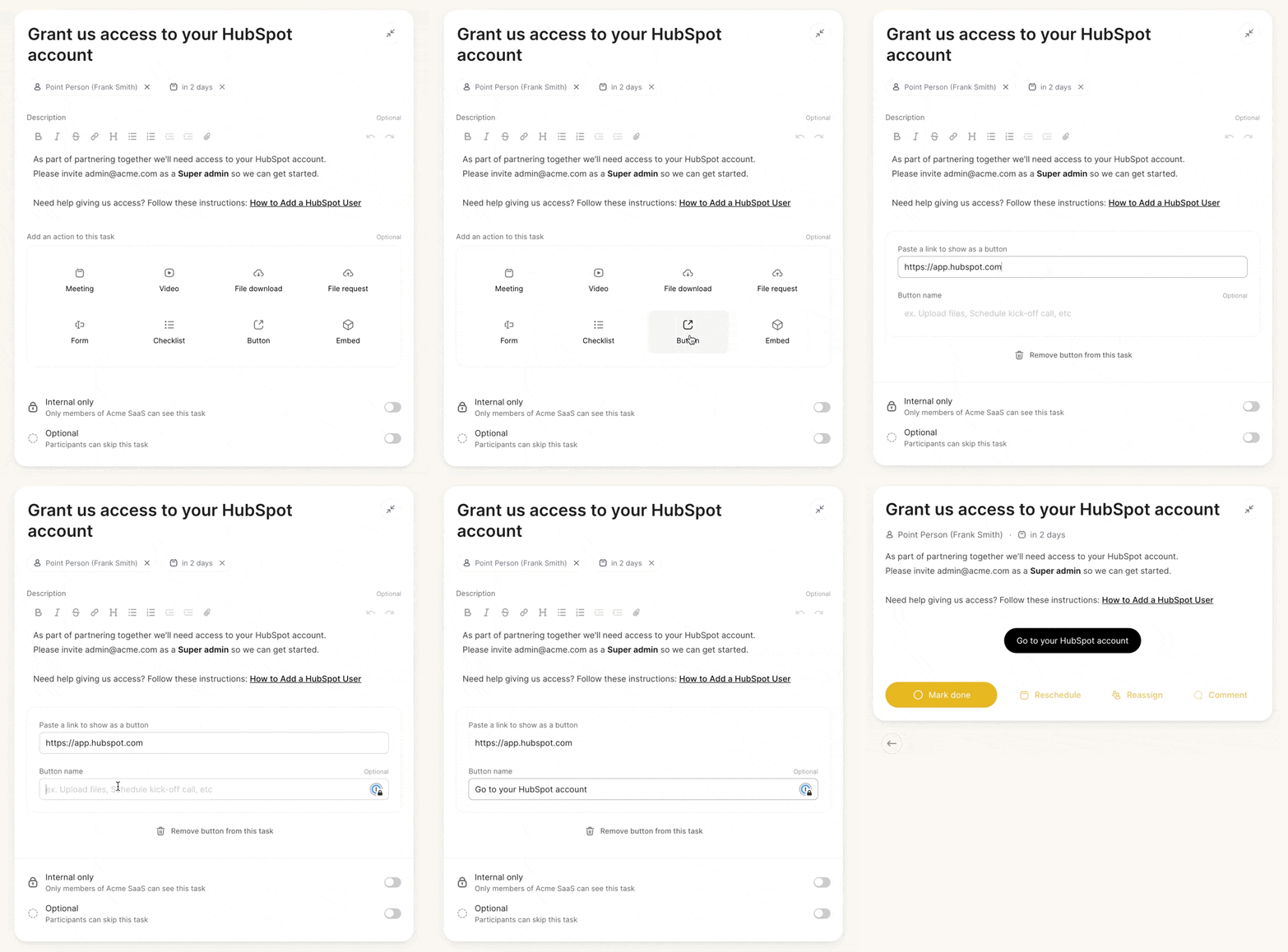
Make it simple and clear by adding a specific task in your onboarding plan for each account you need access to. Include the email address they should send access to, the role or permission level that your team will need, and include a link with step-by-step instructions.
Steal this Arrows task setup:
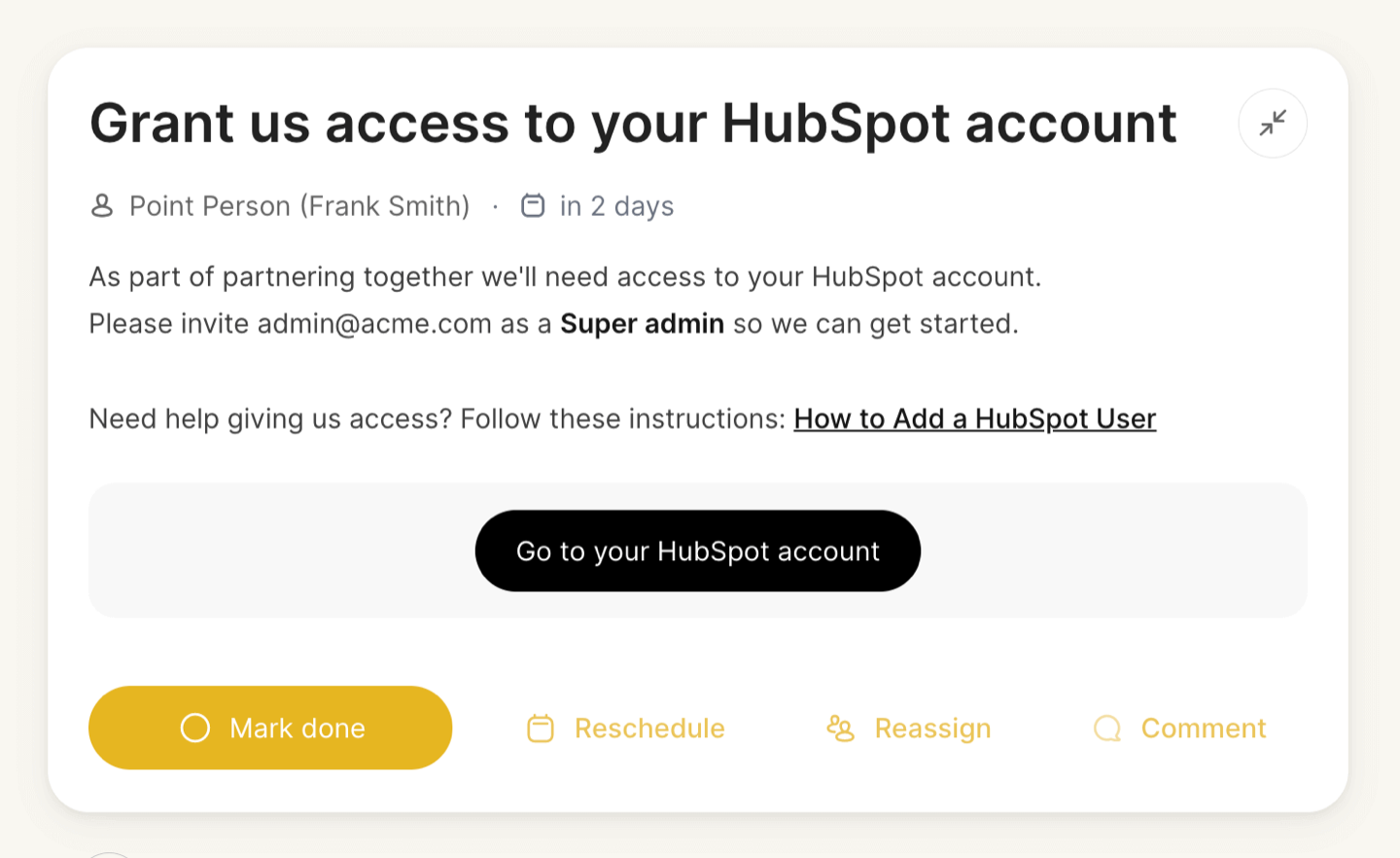
**Task type:**Button
**Task title:**Grant us access to your [SERVICE PROVIDER] account
Task description:
As part of partnering together we’ll need access to your [SERVICE PROVIDER] account. Please invite [EMAIL ADDRESS] as a [ROLE] so we can get started.
Need help giving us access? Follow these instructions: [LINK TO SETUP INSTRUCTIONS]